


Laravel Console is a great feature to execute background process.
For example, if you would like to send a weekly newsletter email to your subscribers, you can make an artisan command in your Laravel application to handle that process.
In this post, I will show you on how to make an artisan command to fetch data from database, and export to csv file.
Step 1:
Run this command to create a new Console Command file.
You can replace "ExportCsv" with your preferred name.
php artisan make:command ExportCsv
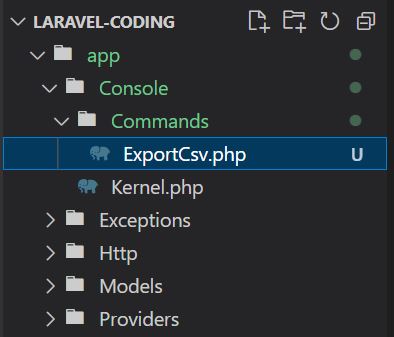
Now you have a new Console Command file located at your_project_directory/app/Console/Commands/ExportCsv.php
Step 2:
Edit ExportCsv.php file as below:
Step 3:
On your terminal, run this command:
php artisan export:csv
This command will run the script, and generate a csv file located at your_project_directory/storage/app/users/users.csv